I Built a Kids Version of a Manga App: How It Blocks Adult Titles, How I Tested It, and Where It Leaks
To let a child read manga on a Duokan Pro II e-reader, I rebuilt 17 Mihon manga sources as kids versions that filter adult titles in three layers: the site's own flags, keywords, and a remote blocklist. Tested on November 22, 2026, a search for an adult keyword returned a full page on the originals and mostly zero on the kids versions, but two sources still leak titles whose names give nothing away. Source code and installers are on GitHub. A personal build log.
Contents
To feed without teaching is the father’s fault.
—— Three Character Classic (Song dynasty, c. 13th century; translation mine)
On November 22, 2026, I replaced the manga sources in Mihon on our Duokan Pro II e-reader with 17 “kids” versions I had modified myself. Each one filters adult titles in three layers: the site’s own adult flag, keywords in the title and description, and a blocklist hosted online that I can add to at any time. The test was blunt. I searched the same adult keyword on the original source and on the kids version. The originals returned a full page; most kids versions returned nothing. Two sources, 我爱漫画 (Woai Manhua) and GoDa, still let through adult titles whose names don’t give them away. So my conclusion is that this stops a child from stumbling onto something, but it can’t stop a book the site never flagged and the title never hints at. I took the leakiest source off the device.
Why: the manga app has no parental mode
I had already reworked this e-reader once, adding Google Play, switching to Traditional Chinese, and installing a minimal launcher. That’s all documented in the duokan-pro2-mod repo. For manga I use Mihon, an open-source Android reader that ships with no content. You install “source extensions,” one per manga site.
That’s the gap. Mihon has no parental mode, and neither do the extensions. Some sites tag adult titles, but the extension lists them anyway. Other sites have no ratings at all. One casual search, and the results page shows covers a kid shouldn’t see.
The case for it: three layers, and most of them hold
I added one shared filter, KidsFilter.kt, to every extension. A title has to clear three checks before it shows up.
The first check trusts the site. 动漫屋 (DM5) keeps adult titles in a dedicated category, 拷贝漫画 (Copy Manga) has a “restrict” field in its data, and 漫画柜 (Manhuagui) has an R18 switch that I hard-wired to off. For MangaDex, every request asks only for the “safe” rating, and I removed the rating option from the settings page. This layer is the most accurate because the site itself is telling you. One trap: DM5 shows an “Are you over 18?” pop-up on every title, including ordinary ones, so that pop-up is useless as a signal.
The second check reads text. If the title, alternate names, description, or genre contains words like “adult,” “R18,” “18+,” or their Chinese equivalents, the title is hidden.
The third is a remote blocklist, a blacklist.json file on GitHub. If something slips past the first two layers, I add one line, and no rebuild is needed.
Blocked titles don’t just vanish from the list. If someone opens one by URL, the title reads “[Filtered]” and the chapter count is zero.

To test it, I measured twice with the same ruler. In Mihon’s global search I typed a common adult-manga keyword. On the originals, Copy Manga, MyComic, Baozi, and Manhuagui each filled a page. On the kids versions it came back empty, or left only ordinary titles that happened to share a character. MangaDex went from 2 results to 0, and 如漫画 (Rumanhua) went from 5 to 0. I also checked the other direction: an ordinary title should keep the same chapter count. Frieren still showed 147 chapters on the kids version, so nothing had been blocked by mistake.

| Result | Sources |
|---|---|
| Blocks (kids version returns 0, or only ordinary titles) | DM5, Bilimanga, Copy Manga, MyComic, MangaDex, Baozi, Rumanhua, Manhuagui |
| Same ordinary results as the original (few adult titles on the site) | Kuaikan, Tencent Comics, Zaimanhua, CCC, Guazi |
| Leaks | Woai Manhua, GoDa |
| Not tested (the original was down that day too) | Comicabc, Dongman Manhua |
The case against: keyword filters always leak
Now for the other side. The strongest objection is that the second layer only works if the title or description says something, and plenty of adult manga never put “adult” in the name.
Woai Manhua is exactly that case. The site has no rating flag, so layer one has nothing to work with. Most of its adult titles carry perfectly ordinary names, so layer two misses them too. Titles that happen to contain a keyword get blocked, and the rest stay listed. GoDa behaves the same way.
Can the blocklist close that gap? Only partly. It works one title at a time, after someone has already seen it. The site adds new books every day, and I’m never going to be faster than that.
Keywords also misfire the other way. An ordinary manga with “adult” in its title gets hidden too.
And the bigger limit is that all of this lives inside one app. A kid who can install apps or open a browser gets around it in a minute.
Where I come down: it stops accidents, not intent
Put the two sides together and the difference is whether the site helps. When the site flags its own adult content, layer one catches it cleanly and keywords are just backup. When the site doesn’t flag anything and the titles don’t hint, you’re left with keywords and a blocklist, which means chasing leaks forever.

So I made the call on that basis. I removed Woai Manhua from the e-reader. I also removed all 15 original sources, because if the original stays installed, a kid can still tap into it. The device now runs only 16 kids versions. GoDa’s kids version is still there, and the README says plainly that it leaks. Stopping a child from installing other apps is a job for system-level controls, not a manga extension.
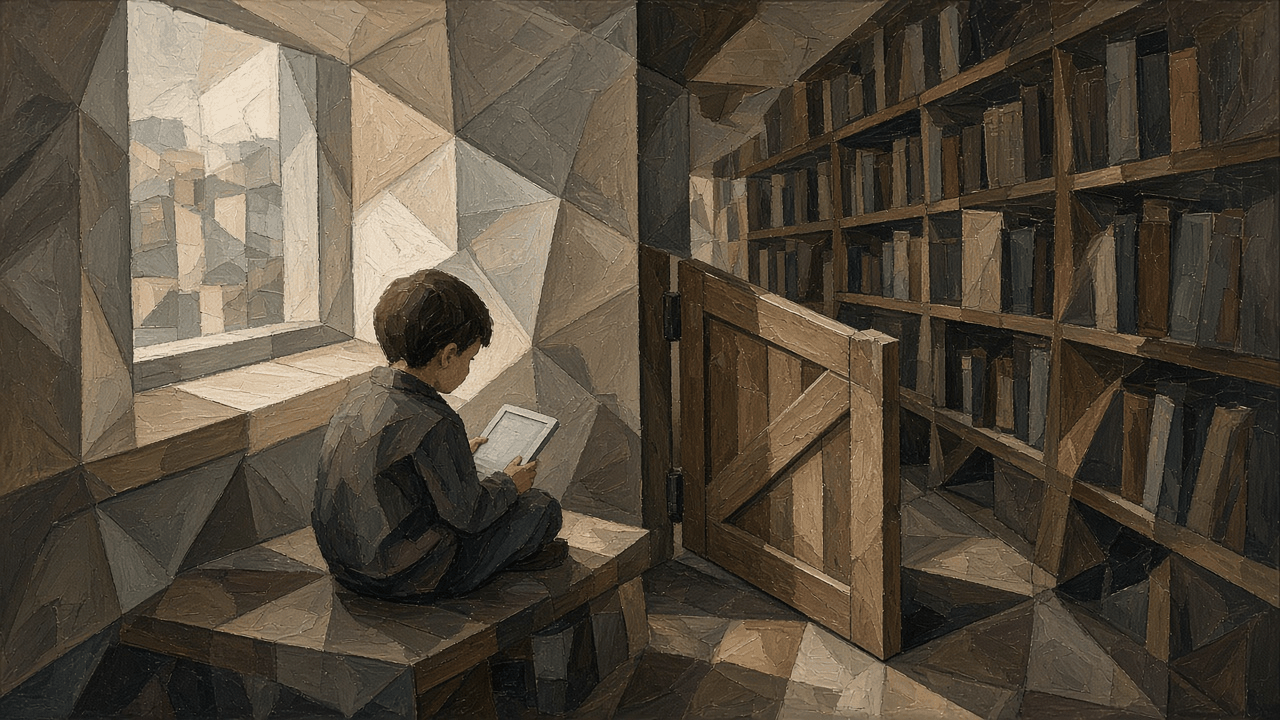
What this setup is good for is the most common failure, a kid searching casually and seeing something. It isn’t a safe. It’s more like a low baby gate at the doorway: it stops a toddler, not a climber.

Everything is public. The source code is in mihon-kids, and installers for all 17 kids extensions are on the release page. Install them on Android, then tap “Trust” on Mihon’s extensions page. These are test builds I signed myself, not official releases.
The one thing to take away
To know whether a filter works, ask the same question before and after the filter, put the answers side by side, and test both directions.
An empty result after filtering tells you nothing on its own. Maybe it blocked something, maybe there was nothing there. First prove the original finds it; only then does an empty kids version mean anything. Then run a normal case to make sure nothing innocent got caught.
This works far beyond manga. Your router’s site blocking, your email spam rules, a keyword filter at work: pick one thing you’re sure should be blocked and one you’re sure shouldn’t, try each with the filter on and off, and write down all four results. That’s how I found the leak in Woai Manhua.
Comments
Loading comments…