# Three Shots in One Clip, 24 fps Doubled to 48: An AI Short Film That Took Four Runs
Source: Realpha Blog (blog.getrealpha.com)
Original article and charts: https://blog.getrealpha.com/en/blog/mio-daily-ai-short-film/
> A small experiment log: making the 27-second AI short 'A Little More Every Day' with MiniMax H3 on a Google Colab A100. New this time: cutting three shots inside one clip, pinning storyboard stills to exact frames, and doubling 24 fps to 48 with open-source RIFE. Timings for each step, what broke in each of the four runs, the compute units spent, and whether the dialogue actually came out. The character is an AI creation.
Published: 2026-10-13
Locale: en
Tags: AI video, Colab, MiniMax H3, RIFE, experiment
TL;DR: One 15-second clip can hold three shots, but each frame cost about 50% more to generate than in a 5-second single-shot clip. Frame interpolation was 4% of total time. Three of four runs failed, and one failure got pinned on the wrong component.
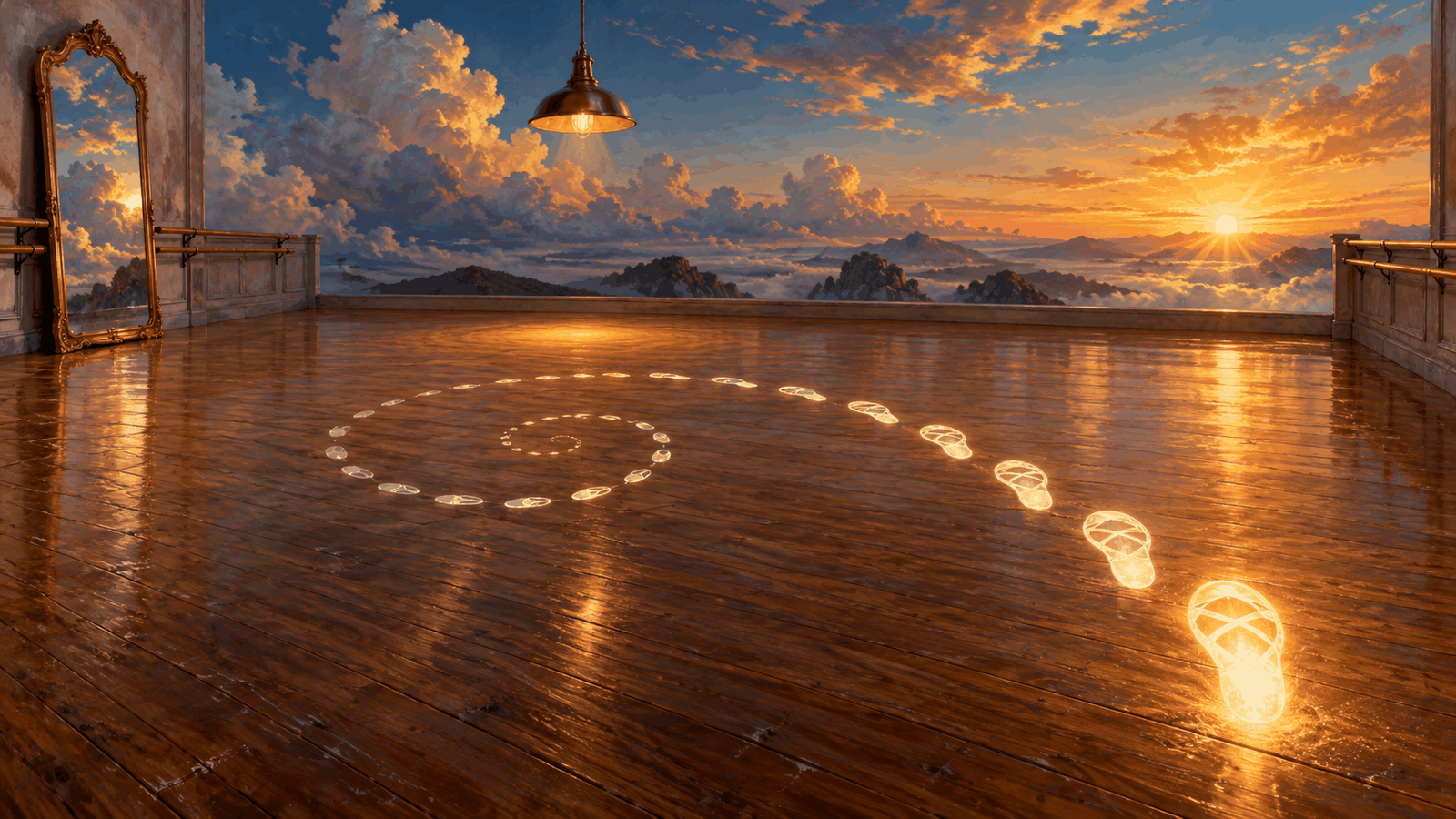
> *A coin a day, a thousand coins in a thousand days;*
> *a rope saws through wood, dripping water wears through stone.*
> —— Zhang Guaiya, quoted in Luo Dajing's *Helin Yulu* (Southern Song dynasty; translation mine)
On October 13, 2026, I finished the AI short film "A Little More Every Day" on a Google Colab A100 (80GB) using MiniMax H3, a model that turns a photo into video and generates the sound along with it. The story: Mio, an AI dancer, can't land a turn, practices a bit more each day, nails it on day 30, and gets called in to try out for lead. Compared with my previous short, "Daijoubu," I tried three new things: cutting three shots inside one 15-second clip, pinning storyboard stills to specific frames, and doubling the frame rate from 24 to 48. The successful run took 3,317 seconds from generation through interpolation and used 3.87 compute units. Getting there took four runs and 13.20 compute units in total. Every timing below is a single measurement on this card at this clip length.
## What were the three new things?
Last time every shot was its own clip of about 5 seconds, and I cut all 13 together myself. This time I wanted less editing, so I added three things at once.
First, three shots in one clip. Shots one through three (day 1 at dawn, day 12 late at night, day 30 in daylight) live in a single 362-frame clip of about 15 seconds. The prompt tells the model when to change scenes with lines like "at 5 seconds the camera cuts to…".
Second, pinning stills to frames. Text alone ("cut to late night") might give me a studio that looks nothing like what I planned, so I placed a pre-made starting photo at frame 120 and another at frame 240. The model has a picture to aim for when it cuts. It worked well: dawn has cool white light from the window, late night has a single amber pendant lamp, and day 30 is bright again.

Third, interpolation. I used open-source RIFE, a model that invents the in-between frames, running through the MIT-licensed ComfyUI-Frame-Interpolation node, to turn 24 frames per second into 48. The idea was smoother spins and ponytail swings.
I also swapped the text model that reads the prompt for a community-modified version, quantized to a smaller file. More on that below, because it nearly took the blame for someone else's bug.
## Is one three-shot clip cheaper than three clips?
I assumed one clip with three shots would cost about the same as three separate clips. It didn't.
| Clip | Frames | Generate (s) | Per frame (s) | Upscale (s) | Interpolate (s) |
|---|---|---|---|---|---|
| A: three shots in one | 362 | 1516 | 4.19 | 980 | 111 |
| B: shot 4 on its own | 124 | 335 | 2.70 | 340 | 35 |
In the generation step, clip A cost 4.19 seconds per frame against 2.70 for clip B, about 50% more. One caveat: clip A ran first, so model loading is counted in its time. The real gap is smaller, but I didn't measure the two separately, so I can't say by how much.

The upscaling step, handled by SeedVR2 (an open-source model built to enlarge video and restore detail), was perfectly linear: 980 seconds versus 340, a ratio of 2.9, same as the frame ratio. Interpolation also tracked frame count and came to 146 seconds across both clips, just 4% of the 3,317-second total.

So the trade looks like this. One multi-shot clip saves editing and gives smoother transitions between the three stills, but generation time grows faster than the frame count. For a short film with few shots I'll keep doing it. For dozens of shots, shorter clips are cheaper.
## Can you see the difference at 48 fps?
Honestly, I haven't put the 24 fps and 48 fps versions side by side yet, so I won't claim I can. What I know is the cost: 146 seconds for both clips, the cheapest step in the whole pipeline. Since it's that cheap, I kept the 48 fps version as the final cut and saved both for a proper comparison later.
## Four runs to get it right. What broke?
This was the expensive part. I started with 134.24 compute units and ended with 121.04, so the four runs used 13.20.
| Run | Compute units | What broke |
|---|---|---|
| 1 | about 0.71 (backed out of the total) | Wrong filename in the interpolation package's requirements list; it stopped before filming anything |
| 2 | 3.09 | The two stills pinned at frames 120 and 240 reached the second stage at half resolution |
| 3 | 5.53 | The interpolation step was missing three required fields and got rejected by validation |
| 4 | 3.87 | Everything finished |
Run 2 deserves a closer look. The pipeline first computes 30 steps at a small 384×672, then upscales to 768×1344 and recomputes the last 10 steps. When I wired the pinned stills into the second stage, I connected the small versions meant for the first stage. The sizes didn't match, and it crashed.

Two other things cost me extra time. The error message was buried under a huge printout of number arrays, with the actual cause at the very bottom where I couldn't see it. And my notebook had a fallback rule: "If the modified text model fails to load, switch to the official one and rerun." The test for "was this the text model's fault" was far too loose; any error near that part of the pipeline counted. With the wiring wrong, the official model died too, yet the old code logged it as "modified model failed." If I had trusted that log, I would have swapped out a component that was never broken and left the real bug in place.

The fix had three parts: print the real cause first; fall back to the official model only when the text model itself errors; and add a self-check to the notebook builder so a size mismatch stops it before a notebook is ever produced. Run 3's missing fields were a separate issue. Once those were filled in, run 4 went through.

## Did the community text model make the picture better?
I don't know. Both clips used it and both loaded fine, but I never shot the same clip with the official model to compare, so I can't point to any improvement. What I can say: it loads on an 80GB A100, and on my home machine, which has less memory, it crashes the moment it loads.
## Did she actually say her lines?
Mostly. I ran speech recognition over both audio tracks. Clip A opens with "one more time" (再一次), and around the 13-second mark there's "huh?" (欸), right when she freezes after finally landing the turn on day 30. Clip B ends with "me" (我). The off-screen line, "Mio, come try out for lead," came back half garbled, which is why the final cut subtitles every line.
One thing didn't follow the script. Shot 4 was supposed to show only someone else's hand on the doorframe, but in all three starting photos I generated, the hand on the frame was hers. In the end the off-screen voice does the work of showing that someone is calling her.
## How could I use this myself?
If you also run generation pipelines like this on Colab, here are three things I'd pass along.
One: estimate before you run, and check the bill after. I guessed about 45 minutes and 5 to 6 compute units for both clips. The successful run took 55 minutes and 3.87 units, so I underestimated the time and overestimated the cost. Each reconciliation makes the next estimate a bit better.
Two: when something fails, find the line at the bottom that names the real cause before deciding who to blame. The least familiar component draws suspicion first, and it often isn't the culprit.
Three: add one new thing at a time. I added shot cutting, frame pinning, interpolation, and a new text model all at once, so every failure had four suspects. Add one at a time and a failure tells you who did it.

## One thing to take with you
**Add only one new thing at a time, so when something breaks you know which one it was.**
That's also what the film is about: Mio practices a little more each day. She never rebuilds her whole routine in one go. The same works off-screen. If you want to tweak a dish you cook often, change just one seasoning. If you want to adjust your morning, get up only ten minutes earlier. Jot down one line, "what I changed and what happened," and after a week you'll know exactly which change made the difference.